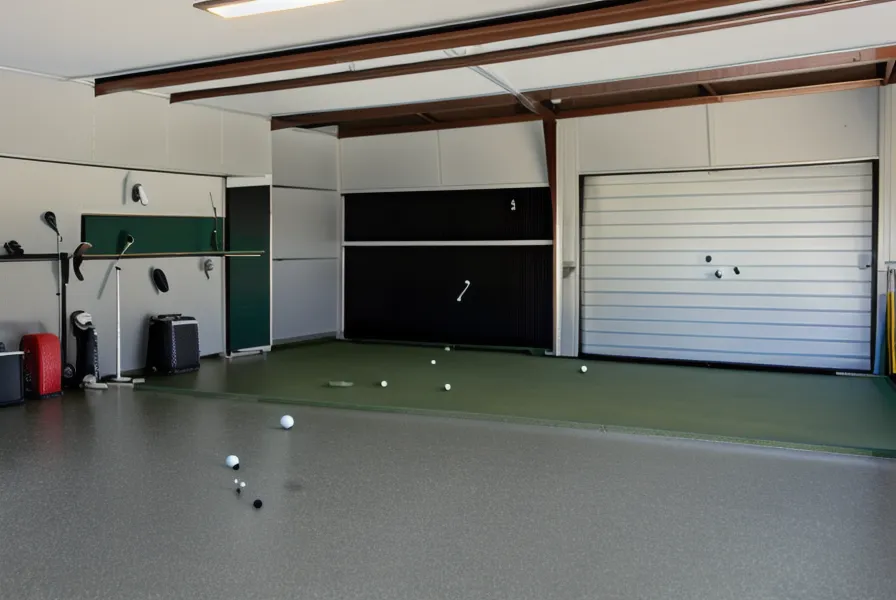
How many ANSI lumens does it actually take to beat a garage window that refuses to stay dark? That question cost me two returned projectors before I found an honest answer, and it is the first thing to sort out before you spend real money on a high-lumen projector for a garage golf simulator. Most spec sheets are written for a blacked-out basement, not a two-car garage with a window your wife will not let you cover in foil.
A quick disclosure before the details: some of the affiliate links below point to indoor golf tech I have actually run as part of this garage simulator build (or returned, which happens more than I would like to admit). None of it costs you extra if you click through and buy.
How Many ANSI Lumens Does a Garage Simulator With Windows Actually Need?
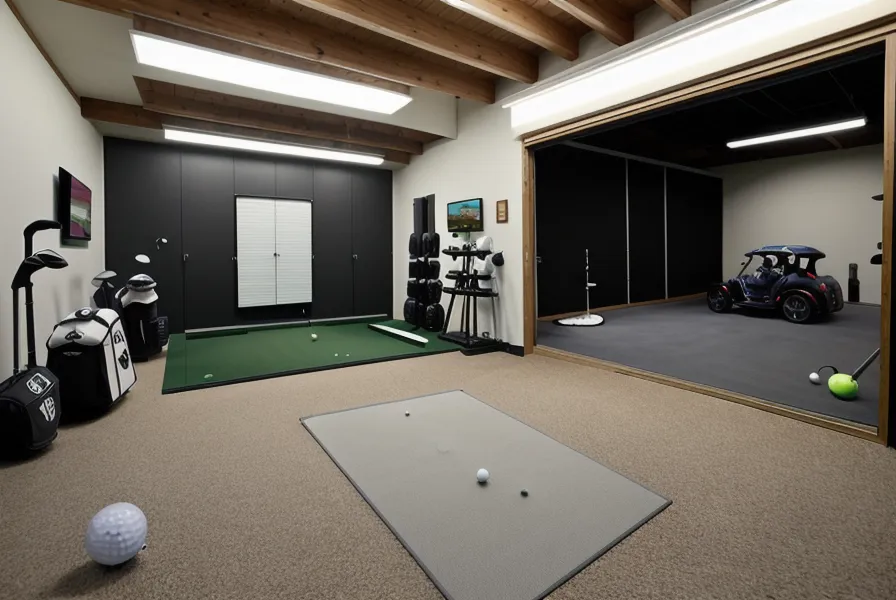
Four thousand ANSI lumens is the number I settled on. Everything below that struggled the moment daylight touched the screen. My SkyTrak Golf monitor was never the weak link here; it read ball speed and spin fine in a bright room, and it fits comfortably under my nine-foot ceiling with room to swing a driver, so the picture washing out was purely a projector problem. A cheap projector box might advertise ten thousand lumens, but that number is usually measured in a way that has nothing to do with how bright the picture looks on your wall, so ignore it and look specifically for the ANSI rating instead. Blackout curtains solve the same problem from the other direction, cutting the light that reaches the screen instead of overpowering it, but raw lumens buy back the same contrast that curtains would otherwise have to provide once the window is not going anywhere.
The bracket almost sank the whole project before the projector even got blamed. I mounted the first high-lumen unit on a ceiling bracket ordered off Amazon, and it sagged about half an inch the first time I caught a driver a little thin and the vibration ran through the joist. Every shot after that landed slightly off-center on the screen until I noticed the picture had physically shifted. Swapping to a bracket rated for the actual weight of the projector fixed it in an afternoon, but it is the kind of failure that has nothing to do with lumens and everything to do with what you hang the thing from.
Resolution and Aspect Ratio Decide What You Can Actually Read
On a twelve-foot screen, a fuzzy image does not just look bad, it hides information. After returning the first two units that looked fine in a dark room and disappeared the moment I cracked the garage door for airflow, I went looking through the bundles at Indoor Golf Shop instead of guessing again on my own. Resolution is not really about how green the fairway looks; it is about whether you can read spin numbers and carry distance off the launch monitor without walking up to the screen and squinting. Think of it the way you would think about trying to read a phone screen in direct sunlight — the pixels are all still there, you just cannot see them without more brightness fighting back.
1080p turned out to be the sweet spot for a screen that size — sharp enough to separate two ball-flight lines without needing a resolution built for a movie theater. I remember standing at the back of the bay on a simulated Pebble Beach eighteenth, watching four drives land inside eight yards of each other on the dispersion overlay, and actually being able to count the gap between them instead of guessing at a green blob. That is the kind of detail a soft image just erases.
Aspect ratio is the other spec people skip, and 4:3 is what actually fits a garage-height screen without wasting a projector's brightness on black bars. A widescreen 16:9 unit throws an image that spills past the edges of most impact screens, which is also where a snap-hook can find its way past the screen and into a top golf simulator shank nets setup if you have not boxed in the sides — brightness will not save you from a shot that never hits the screen in the first place. Short-throw is non-negotiable too, under a 1.0 throw ratio, or you will be casting your own shadow across the fairway every time you step up to the ball.
The Noise Tradeoff Nobody Puts in the Spec Sheet
Brightness is not free, and the tradeoff shows up as noise, not price. Pushing a bulb hard enough to hit four thousand ANSI lumens means the internal fans spin faster to keep it from overheating, and during a long session my garage starts to sound like a server closet with bad airflow. Late-January sessions are when I notice it most — the concrete under my sneakers gets cold enough to climb straight through the soles by the time I have hit fifteen balls, and the projector fan is the loudest thing in the room until a driver hits the garage simulator flooring and drowns it out for a second. It is not a dealbreaker unless you are hoping for a quiet movie night afterward; you are trading library-quiet for the ability to see your slice at high noon with the garage door cracked for air.
Picking Between a DIY Build and a Bundle
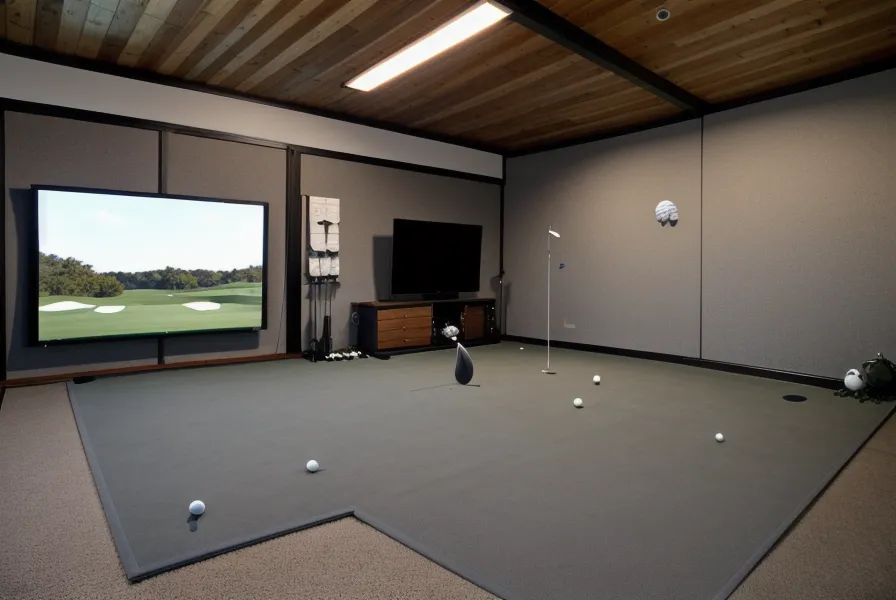
Sourcing every bracket and cable myself seemed like the cheaper route at first, and for a lot of the build it was. A high-lumen projector is finicky enough about mounting height, throw distance, and screen material that the bundles from specialists like Indoor Golf Shop ended up saving money once I added up the return shipping on parts that did not match. Their SIGPRO screens are built to handle the brighter bulb without bouncing a blinding reflection back at your eyes, and they hold up to a mis-hit driver without fraying at the weave the way a bargain screen will after a few months of shanks — not something you can easily tell from a product photo.
For general gear that has nothing to do with optics — a backup wedge, a cart, the odds and ends — Golf Direct Now covers that ground fine. Stick to the specialists for the projector and screen themselves, though; that is not the place to save a few bucks on a generalist retailer's house brand. I also looked at a SWAG Golf putter around the same time, mostly out of boredom, and got reminded (by my wife, pointedly) that a new putter was not going to fix a washed-out screen.
Key Specs Worth Locking In Before You Buy
If you strip away the marketing copy, four numbers actually matter for a garage build with windows: four thousand ANSI lumens as the brightness floor, 1080p resolution so text and spin data stay readable, a 4:3 aspect ratio that fits a tall impact screen without black bars, and a short-throw ratio under 1.0 so the mount does not have to sit halfway across the garage to fill the screen. Get those four right and the rest of the spec sheet is mostly noise — in the marketing sense, if not the literal one.
Where the Extra Lumens Actually Paid Off
My next-door neighbor Patty noticed the upgrade before I mentioned it to anyone. She had already caught the dim, washed-out glow of the old projector through my side window some evenings; once the high-lumen unit went in, the light spilling out was enough that she walked over to ask what was going on in the garage. Her husband had just retired, and she is weighing a simulator to keep him busy through an Ohio winter, so I get a new question from her by email roughly every six weeks, like clockwork — most recently about screen brightness, appropriately enough.
Two years and close to five thousand dollars into this build, the projector remains the one corner where good enough genuinely was not. If your garage has any window at all — even a small one that only catches afternoon sun — do not go below four thousand ANSI lumens, and check the high-lumen bundles at Indoor Golf Shop against your own ceiling height before you commit. If your setup is a genuinely dark basement with zero natural light, save the money, buy a cheaper unit, and put the difference toward a decent mat instead. And if you are still making the occasional trip to an actual course to justify the knee surgery, a push cart like the one from Alphard Golf makes the walk easier on the joints — though I am supposed to be on a spending freeze until December 2026, so pretend I did not mention it.