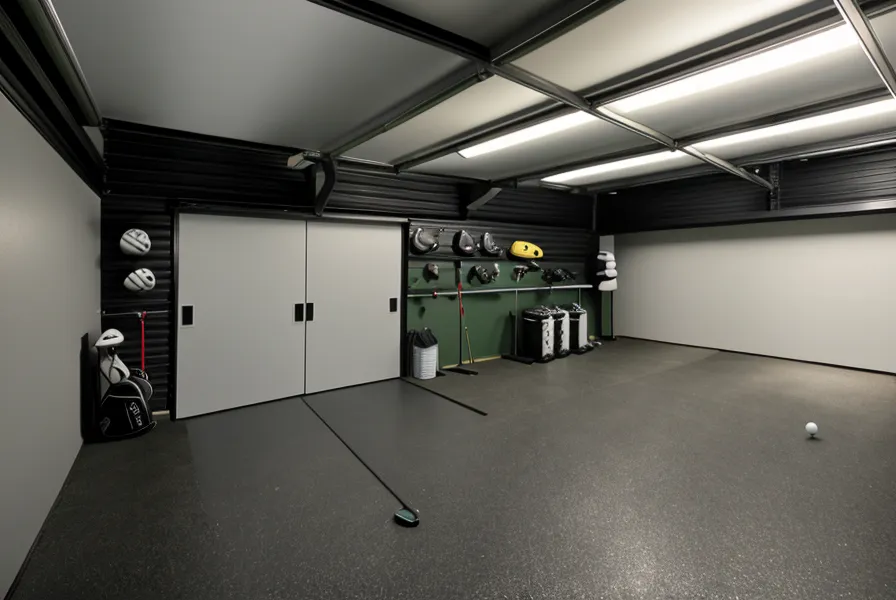
A frozen SkyTrak screen kills a round faster than any three-putt ever could — a bad putt still counts against you, but a no-read just erases the shot and stalls whatever momentum you had going into the back nine. Most guides on skytrak optimization jump straight to firmware updates and unit specs, but almost every misread and false side-spin number I've chased down in my garage golf setup turned out to be an environment problem, not a hardware one. This is the indoor launch monitor tips post I wish had existed a year ago — actual fixes, not another explainer on what spin rate technically means.
Two Habits That Cause Most SkyTrak Misreads
Bad reads come down to one of two culprits almost every time — something is blocking the camera's clean view of the ball, or the unit isn't sitting level with the hitting zone. The core numbers any monitor reports back, carry, spin rate, launch angle, are only as good as whichever of those two things is broken, and no firmware update or smarter algorithm fixes either one.
Humidity swings only make it worse, which is its own year-round climate problem separate from what's below — worth knowing it exists, but not what this post is fixing.
Fixing the Glare in a DIY Golf Simulator Setup
The camera needs a clean, well-lit look at the ball's dimple pattern to read spin at all — any ball that meets the standard golf ball diameter works fine, but dirt, glare, or a shadow across the ball breaks that read before the laser dot even matters. Most units project a red alignment dot onto the floor to help square up the ball, and if a garage door opener's safety light or an overhead fixture washes that dot out, the camera loses its reference point before you've even started your swing. A folded scrap of cardboard taped into a small visor over the sensor blocks the overhead glare without touching anything electronic. Mine came from a box left over from a grocery run to Jungle Jim's International Market in Fairfield, which says something about how little the actual fix costs.
Fluorescent tubes cause a quieter version of the same problem. They flicker at a frequency that can interfere with a high-speed camera's shutter, so swapping old tubes for LED shop lights clears up misreads that otherwise look identical to a dirty lens. I get into the flicker-frequency details in Why Your Garage Lights Are Ruining Your SkyTrak Accuracy: Lessons from a Cincinnati Winter, but the short version is that the shield and the light swap together cut my no-read rate by roughly 90 percent. None of this touches how a projector image holds contrast under ambient light — that's a separate fight with its own answer.
Is Your Garage Floor Faking a Side-Spin Read?
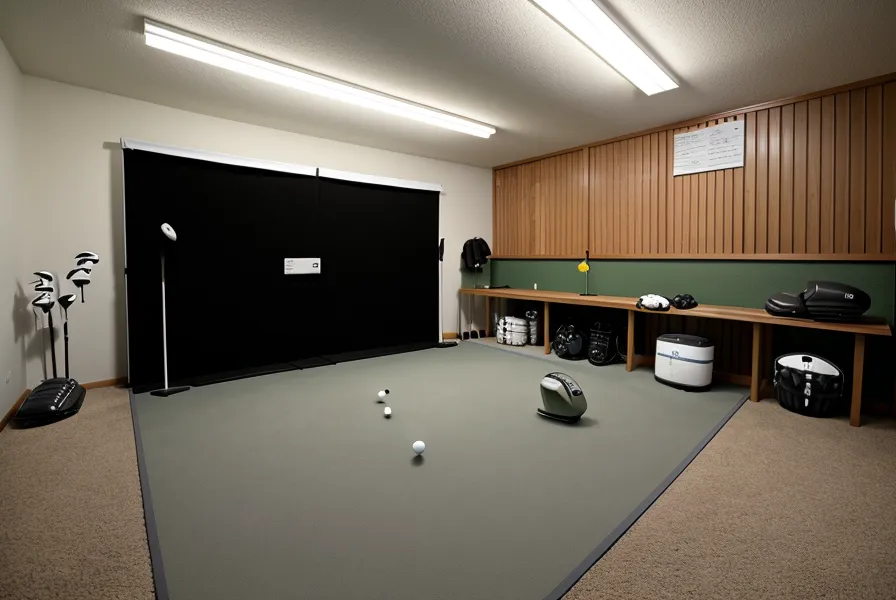
Garage floors slope on purpose, usually toward the door, so rainwater and car drips run out instead of pooling. That same slope tilts a launch monitor away from level, and even a fraction of a degree of tilt reads as side-spin the ball never actually had. A straight shot that shows five degrees of curve on screen isn't a swing problem; it's a geometry problem.
Leveling the unit itself, not the mat underneath it, is what actually fixes it. A small platform built from scrap plywood with adjustable furniture feet screwed into the corners lets you dial the camera flush with the hitting surface in less time than it takes to watch one YouTube tutorial. Sit the unit even a quarter-inch lower than the ball and the camera angle skews enough to turn a straight shot into a phantom slice on screen. Leveling the device is a narrower fix than choosing the right flooring material for a slab in general — Best Golf Simulator Flooring Options for Garage Concrete Slabs covers that broader question, and it matters more for your knees than for your data.
The Mat Isn't Usually the Real Problem
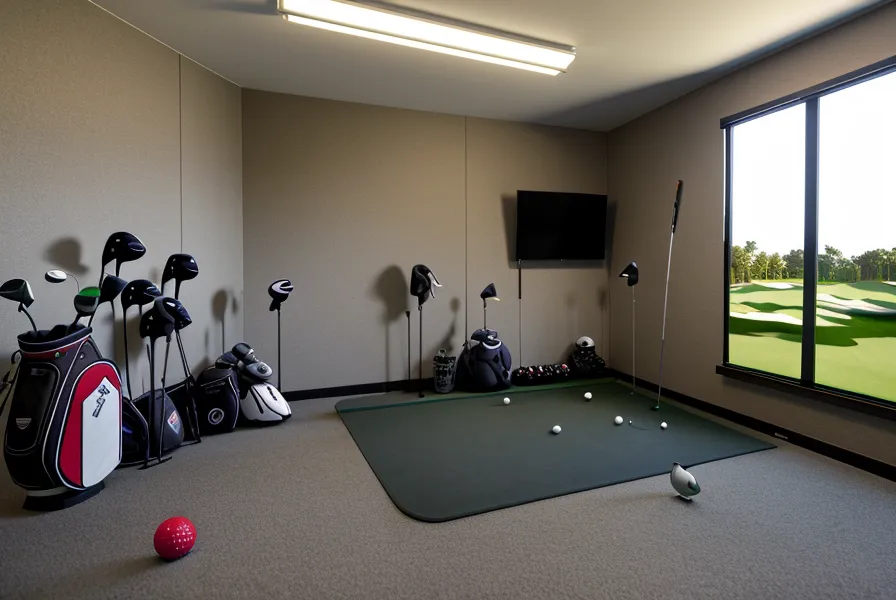
I went through three different mats before figuring out the mat wasn't what needed fixing — the platform underneath it was. The cheapest one, a garage-sale find, curled up at both ends within two weeks of sitting on bare concrete, the same way a cheap yoga mat curls if you leave it stored wrong, and it made the leveling problem worse instead of better. It taught me to stop blaming pad thickness for what was actually a height problem.
How a mat feels on your joints over a long session is a conversation of its own — mat-surface joint feedback is a real variable, just not the one causing side-spin errors. Nate Grullón, a fellow garage-sim builder I know from the Cincinnati Golf Simulator Discord, texts me his opinion on mat thickness at hours no reasonable person should be awake, and he's usually more focused on cushion than on whether the thing sits level. Both things matter. They're just not the same fix.
Do You Need a Pricier Launch Monitor to Fix This?
Not necessarily. Professional-grade units running well into five figures use processing that smooths ball-flight data before you ever see it, which is great for hiding a shaky swing and less great for troubleshooting your own setup (not that I could buy one anyway, since new-gear purchases are banned in this house until December 2026). A cheaper, more literal unit shows you the raw miss, glare and tilt included, and that honesty is exactly what let me find these two fixes in the first place. How much ball-flight accuracy you actually need depends on whether you're grinding out lag putts or just trying to tell a draw from a slice on a Tuesday night.
Conrad Farawell, a guy I met on a network ops team years back, built his own simulator a few years before I did, and he's the one who pushes back hardest whenever I start eyeing an upgrade — mostly because half the upgrades he's tried never moved his own numbers. He's usually right about that. A calibration routine that drifts slowly over weeks is a different animal from a one-off misread, too — that's its own maintenance habit, not something a cardboard shield or a plywood platform will touch.
What This Fix List Doesn't Cover
This is strictly a misread and side-spin post. It won't tell you how much ceiling clearance a full swing needs, whether an enclosure kit beats an open bay, how long a shank net or impact screen holds up over a season of mishits, or how much your PC's rendering load matters for the simulation software — those are separate problems with separate answers, and cramming them in here would just muddy a checklist that's supposed to stay short.
If you're chasing a misread right now, work the list in order: shield the sensor from glare first, swap flickering fluorescents second, then check level before you touch the mat at all. What I spent fixing mine barely registers against everything else in the build's total cost ledger. Returns are the other wildcard — policies vary enough by retailer that it's worth checking before you buy a leveling kit or a shield, not after you're stuck with one that doesn't fit.
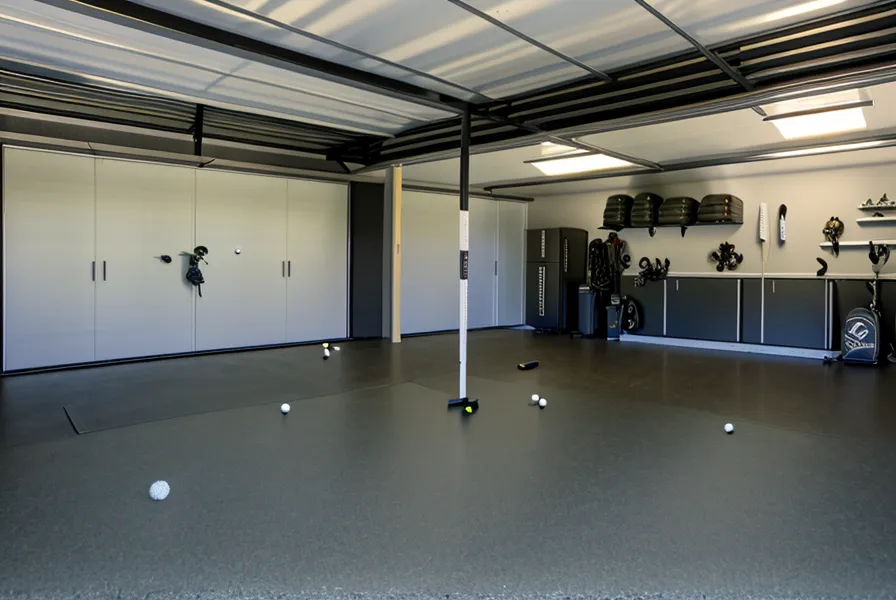
Pull up the shot-dispersion overlay after a round on Pebble Beach's 18th and you'll either see a tight cluster or a scatter plot that looks like buckshot. Mine finally looks like the former — four balls landing within eight yards of each other, on shots that felt identical off the face. Whether that translates into fewer strokes on an actual course is a separate question from whether the data on screen can be trusted, and right now I'm only answering the second one. Reclaiming My Weekend Rounds was the whole point of building this thing in the first place; getting the readings right just means the practice actually means something.