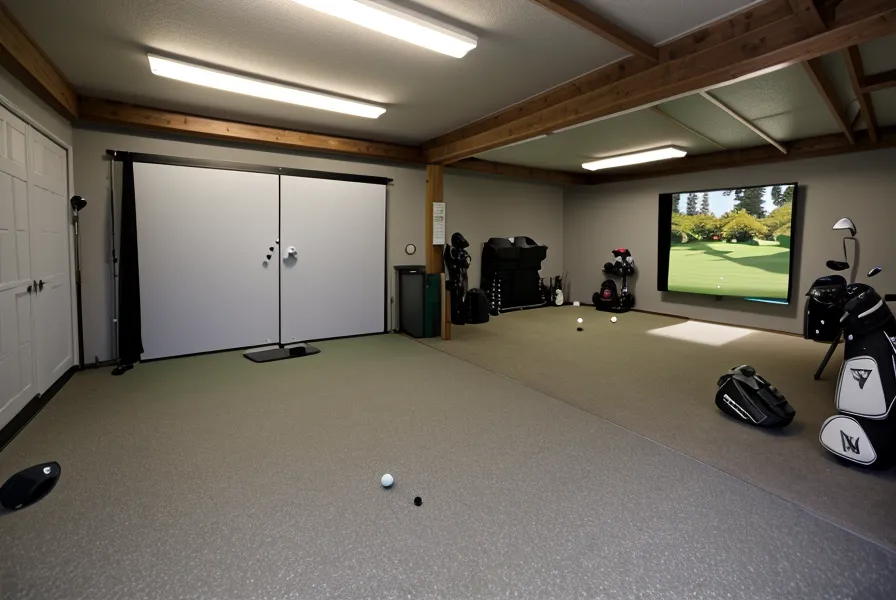
156 yards. That's the number printed on the scorecard for a par three at Lunken Airport Golf Course on Cincinnati's East End, and it's also what my 7-iron read on the SkyTrak the one round I actually bothered writing the carry number down next to the real one. Two numbers landing on top of each other like that isn't luck. It means the launch monitor accuracy held up that day, which in a garage golf simulator is not something you get to assume. Most guys assume a bad read on a SkyTrak is a swing problem, or a busted unit. Usually it's neither. It's the light fixture over your head, and indoor golf lighting gets blamed dead last instead of first.
The Myth: More Light Helps the Camera
The assumption is simple enough: launch monitors like the SkyTrak use a camera, cameras need light to see, so a brighter garage should mean a cleaner read. I believed some version of that for longer than I'd like to admit. A camera phone gets better in better light, so why wouldn't this? Because the SkyTrak behaves less like a phone camera and more like a bathroom scale sitting near a heating vent — the number swings around depending on what's happening in the room, not because anything about the actual weight changed. The thing that wrecks a read isn't a lack of light. It's the wrong kind, aimed at the wrong angle.
Wes, the neighbor across the street, still argues the course feels nothing like the sim, and he'll die on that hill over a beer if you let him. He's also the one who told me to crank the shop light higher when my reads first started going sideways, because more light seemed like the obvious fix. It isn't. My accuracy problem had nothing to do with brightness and everything to do with a fixture flickering in a way neither of us could see with our own eyes.
Before I ever looked at the light fixture, I burned a short stretch on a subscription swing-analysis app, the kind where you upload a video clip after every session. I lasted less than a week before the upload step turned into one more chore I skipped, and the app quietly died on my phone. That wasn't a lighting fix, obviously, but it's the same instinct: reach for a new piece of software or gear before you've ruled out the dumbest possible explanation, which in my case was hanging six feet above the mat the whole time.
Is Your SkyTrak Going Blind, or Is the Garage Lying to It?
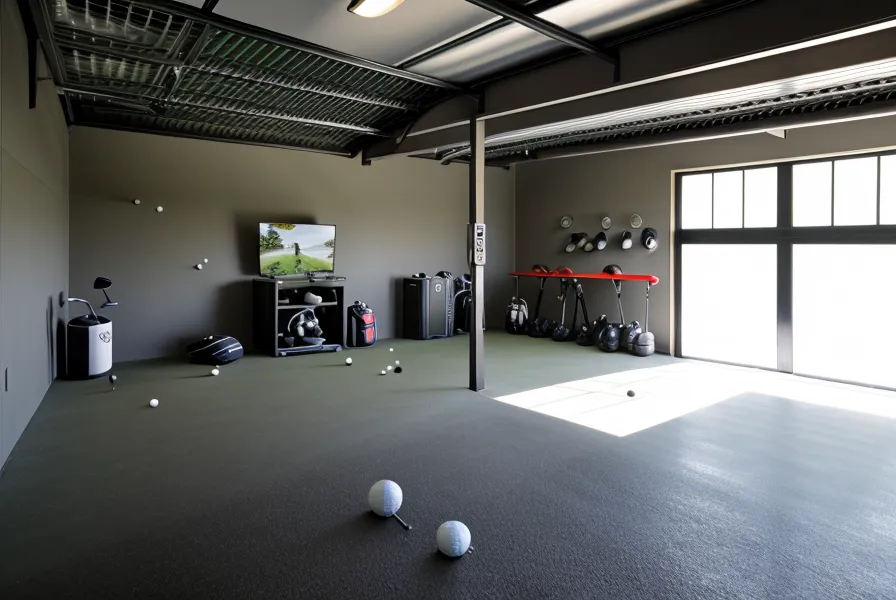
Nothing about the SkyTrak hardware changes from one session to the next. What changes is the room. The camera in that unit tracks a spinning standard golf ball frame by frame, and the light fixture mounted above my hitting area pulls double duty as both garage light and simulator light, which is a lot to ask of one strip of LEDs. Cheap fixtures like that flicker at a rate your eyes never register, and that flicker fights the infrared light the sensor leans on. I'm not going to turn this into a sensor-physics lecture here. That's a separate piece for a separate day. What matters for this one is simpler: the room was lying to the camera. The camera was never lying to me.
My bay runs about 19 feet from the ball position back to the screen, which is plenty of room to swing without clipping anything, but distance doesn't fix a light problem. The fixture sits dead center over where I hit from, so every flicker gets a straight shot at the lens with nothing in the way to soften it. This isn't the same fight as projector contrast in a dark bay, and it isn't about whether your slab is level either. Both matter, but neither was my problem that day. Space and light are two different problems, and confusing them is how a lot of guys end up chasing the wrong fix.
Checking Your Light Before You Blame Your Swing
Here's the actual test, and it takes about five minutes. Hit the same club from the same spot with your normal lights on, and write down three carry numbers. Then kill every light in the garage except whatever daylight or work light you genuinely can't avoid, and hit the same club again. If the numbers tighten up or the phantom hooks disappear, it was never your hands. It was your fixture.
Take a full swing and there's that flat smack when the face meets the screen, then a beat of echo off the concrete behind it, the same every time no matter what the lights are doing. That part never lies. It's the number that shows up on screen a half-second later that moves around when the room is working against the camera instead of with it.
A reader named Chadwick emailed me a while back with a specific question about his own setup after reading a different post I'd written comparing monitors. I answered it in detail. He went and hung a blackout curtain over his garage door instead, based on a comment he found under some YouTube video, and wrote back a while later still fighting bad reads, because the curtain never touched the actual fixture six feet from his mat. I don't blame him. That comment probably sounded more convincing than my email did. But it's the same myth wearing a different hat: fix the thing that's easiest to see, not the thing actually making the noise.
I've written elsewhere about why I stopped buying 'specialist' simulator bundles and started sourcing pieces myself instead, in my notes on sourcing garage golf gear, and lighting is exactly the kind of problem a bundle can't solve for you. No box you buy knows what your garage ceiling looks like or which direction your fixture is pointed.
The Radar-vs-Camera Confusion That Never Needed to Happen
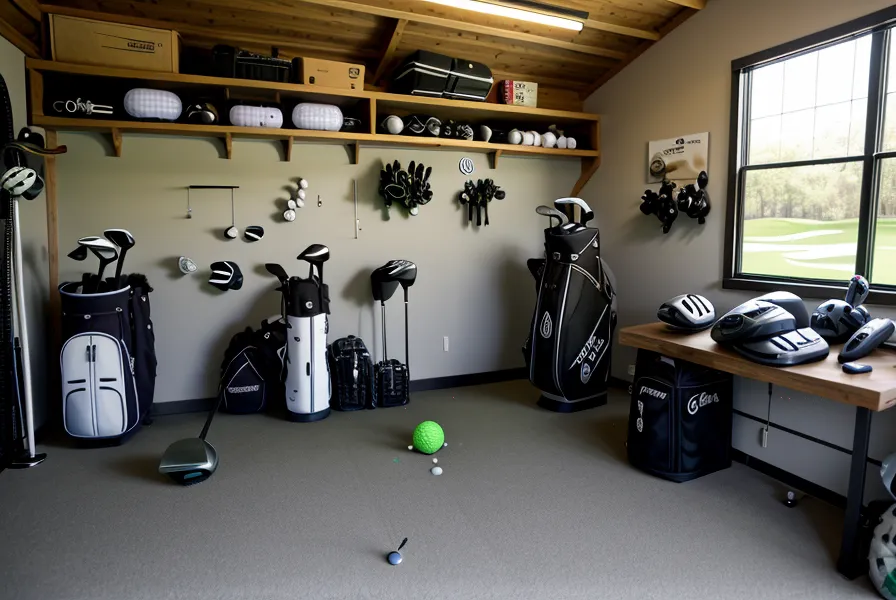
There's a second version of this myth that shows up in forum threads: swap your camera-based unit for a radar-based one and the lighting problem disappears entirely, since radar tracks the club instead of the ball. That's true as far as it goes, and it's a real trade-off that deserves its own look at core launch monitor metrics and what each type is actually measuring. But it skips past the cheaper fix sitting right above your head. You don't need new hardware to solve a flicker problem. You need the fixture over your mat to stop lying to the camera you already own.
The Fix Is Positioning, Not Wattage
The actual fix in my bay ended up being almost boring. I moved the fixture off dead-center, angled it so the glare doesn't hit the lens straight-on, and made sure the garage door on the right side stayed sealed tight along the bottom so stray daylight through the gap stopped being a variable too (my wife was relieved I didn't tape cardboard to the ceiling this time). None of that cost real money, and none of it involved returning anything.
None of the other pieces of this build get to hide behind good lighting either. A flimsy enclosure kit can flap into your camera's sightline just as easily as a bad shop light can. A screen that's already thinning out from mis-hits adds its own shadow and its own durability countdown, and a shank net sized wrong for your bay is a containment problem, not a lighting one. The mat under your feet won't fix a bad read, but the wrong one will wreck your knees long before your data does, which is an argument for a different day. If your simulator PC is choking under the render load, that shows up as stutter on the screen, not garbled shot numbers, so don't confuse the two symptoms. A monitor drifting out of calibration over a season is its own maintenance routine too, separate from whatever the room is doing to your reads that day. None of it needs a new line item in whatever spreadsheet you're using to track the roughly five grand a build like this eventually costs. Moving a light fixture six inches is free.
If cold is part of your setup too, swapping to a heater that doesn't throw off enough infrared to confuse your sensor is worth doing anyway. I've got notes on which garage heaters actually hold up in a simulator bay without adding another light source you have to chase down later. And if you're rebuilding a golf habit after an injury the way I was, the lighting fix is a small, mechanical piece of a much bigger adjustment. I wrote more about that side of it in getting back to playing rounds after surgery.
The rule that actually holds up: don't touch your swing, your mat, or your monitor settings until you've ruled out the fixture over your head. Kill the lights, hit five balls, turn them back on, hit five more. If the story changes, you've found your problem, and it cost you nothing but a few minutes standing in a dim garage.