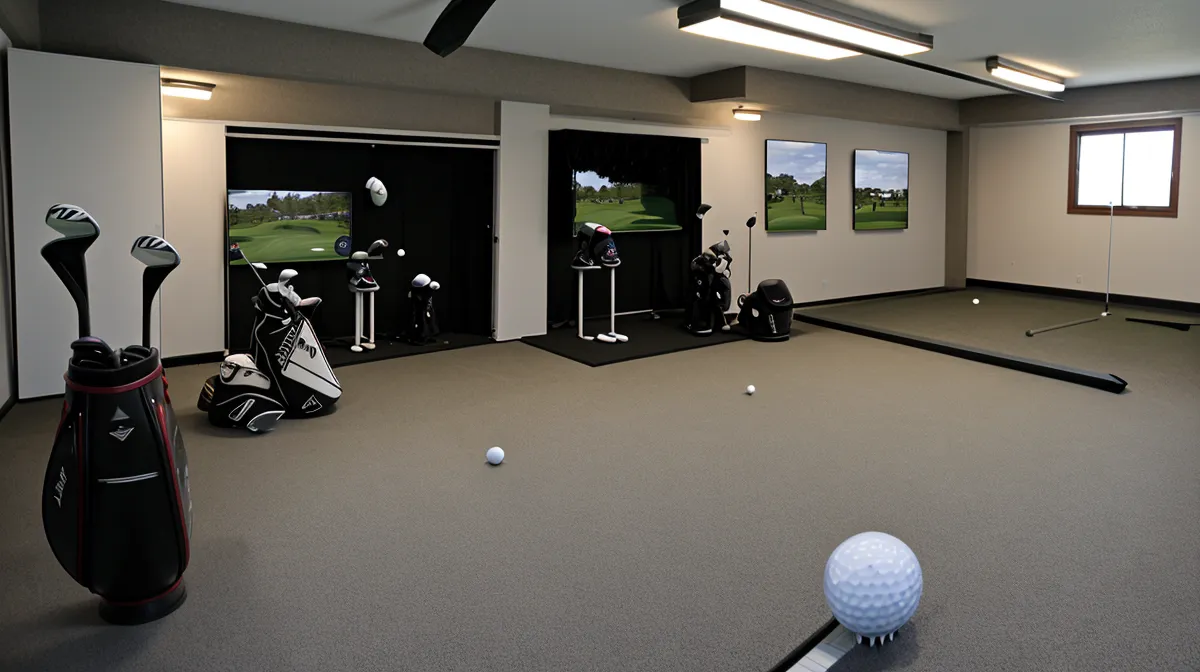
Which one actually wrecks your SkyTrak numbers: a launch monitor that isn't sitting dead level, or a garage hitting surface that's an eighth of an inch off from where the cameras expect the ball to sit? Most indoor golf calibration advice for a garage simulator setup points you at the unit itself — get the internal tilt reading to zero, trust the number, move on. Before any of that, I tried to fix inconsistent ball flight the outdoor way, with a backyard pop-up hitting cage that survived exactly one Ohio winter before the frame buckled under the snow load. That failure is what pushed the whole project into the garage, where the real problem with my launch monitor setup turned out to be nothing like what the manual describes.
Unit-Level Perfection Versus a Level Hitting Surface
Chasing that internal-level reading was my first instinct, and it's the wrong one in most two-car garages. Poured concrete floors are pitched on purpose, usually about an inch of drop over every four feet, so water runs toward the door instead of pooling under the workbench. Sit a SkyTrak on that slope next to a mat that's sitting flat, and the unit's internal sensor reports a tilt that has nothing to do with what the cameras are actually seeing relative to the ball. A slab that was never poured level to begin with is really a flooring question, not a calibration one, but it's the reason so many people spend an evening zeroing a bubble app on the unit itself and still get garbage spin numbers.
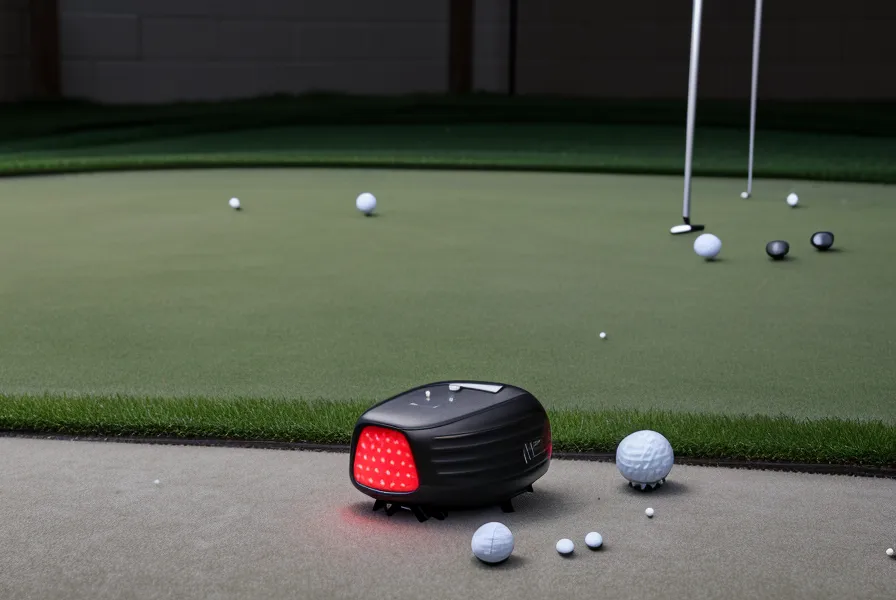
My neighbor spends his weekends coaching his daughter's travel soccer team, which is a perfectly reasonable use of a Saturday. I spend mine with a bubble level and a stack of plastic shims, because a launch monitor that's a couple degrees off from its hitting surface is a launch monitor lying to you twice a session. The fix isn't zeroing the unit, it's matching the unit's plane to the mat's plane, even if that combined plane sits a couple degrees off level relative to the actual floor. Slide a thin shim under the SkyTrak's feet until a level laid across both the mat's surface and the unit's top reads flush, and the internal tilt number stops mattering.
That geometry actually clicked for me in an odd spot: the food court at Kenwood Towne Centre, half-listening to my wife talk about curtains while I sketched the slope-versus-mat problem on a napkin like a geometry final. It's a dumb image, but the math is the whole fix: the unit and the ball need to share a plane, and that plane doesn't have to match the floor at all.
Does Leveling the Mat Beat Leveling the Unit?
Once the mat and the unit share a plane, I run a two-foot level across the mat's surface and the top edge of the SkyTrak before every session, and if it doesn't read flush, I don't hit until it does. The reason this matters comes down to the cameras themselves: SkyTrak's photometric sensors work from a fixed vantage point beside the ball, and because a golf ball is only 1.68 inches across, even a small height mismatch between camera and ball changes what those sensors think they're looking at. Whether SkyTrak's absolute numbers match a radar unit on a real driving range is its own separate debate; what I'm solving for here is session-to-session consistency in one garage, with one mat, with one unit.
This is also why the mat itself matters as a reference surface and not just a place to stand. A mat that compresses under repeated impact changes its height relative to the unit mid-session, the same problem you'd get weighing yourself on a bathroom scale sitting on carpet instead of tile, just with worse consequences than a vanity number. That compression problem is part of what pushed me to swap my first simulator mat, and I wrote up the joint-pain mistake that led me to swap my first simulator mat in more detail elsewhere; whether a mat feels good on your knees over a long session is a separate argument from whether it holds a constant height, but for calibration purposes only the second one counts.
Consistent numbers are also why Tuesday night garage rounds have actually lowered my handicap; when the screen shows a push-fade now, I know it's swing path, not calibration drift creeping back in.
Running the Five-Minute Check Instead of the Five-Step List
The version of this routine I actually run takes about five minutes, and it looks nothing like the exhaustive checklist I followed early on. Elevation comes first: the SkyTrak's base sits on a thin platform, a scrap of two-by-four sanded down to the right thickness, until its top edge and the mat surface read level to each other, not to the floor underneath. Alignment comes second: a yardstick goes down the target line pointing at the center of the impact screen, and I square the side of the unit to that line, because a launch monitor that's even slightly open or closed to it reports side spin that has nothing to do with the actual swing path. Ball orientation is the step people skip: turning the logo, or a marked line, to face the cameras gives the sensor a high-contrast anchor to track spin from instead of guessing at a blank white surface. None of that is written on the box. All of it happens in five minutes, even on a night cold enough that the slab bleeds through a thin pair of trainers.
None of this fixes the things that have nothing to do with calibration itself. Carry, ball speed, spin rate, and launch angle are the core numbers any launch monitor hands you, and calibration only makes sure those specific numbers are trustworthy: it does nothing for a ceiling too low to finish a driver swing, an impact screen that can't hold up under sustained live-ball impact, a net that can't contain a shank before it puts a hole in the drywall, or the decision between enclosing the whole bay versus hitting in an open one. Those are separate problems with separate answers. This routine only solves the one where a good swing produces bad data.
Fluorescent Light and a Weak Wi-Fi Signal Still Beat the Best Calibration
Fluorescent shop lights are a bigger threat to a photometric launch monitor than most people realize, because they flicker at a frequency the human eye smooths over but a high-speed camera does not. Swapping to a warm LED fixture over the hitting bay dropped my no-read rate close to zero, for reasons that have nothing to do with how bright the room looks standing in it. A separate question, how much ambient light a projector image can survive before the picture washes out, matters for anyone running a screen setup, but it is not the same failure mode as a camera losing track of the ball.

Connection stability is the other half of the routine, and it has nothing to do with cameras at all. I check which Wi-Fi channel the unit is broadcasting on before every session, because a dropped signal right after a clean strike is its own kind of miserable. Screen blank. Ball already sitting in the net. Keeping the unit plugged in rather than running down its roughly four-hour internal battery avoids a second failure mode, since low voltage slows image processing just enough to create a noticeable lag between impact and the ball appearing on screen, the same way an underpowered USB connection bottlenecks a peripheral asking for more bandwidth than the port can supply. Whether the added processing headroom on the newer unit is worth the price difference is really the subject of whether the SkyTrak Plus is worth the upgrade for a garage setup, not this routine, since calibration works the same regardless of which model is sitting on the shims.
Chase internal-unit-level when troubleshooting a single bad session; it takes ten seconds to read the sensor's own tilt number and it rules out one variable fast. Chase surface-to-unit level when the goal is every session agreeing with the last one, because that is the fix that actually holds up outing after outing, mat after mat. (My wife walked in on one of these checks expecting to find me sulking over a bad number and instead caught me actually enjoying a spreadsheet of ball speeds; she still brings that up.) Get the surface and the unit sitting on the same plane, and the machine stops being the thing you blame for a bad shot.