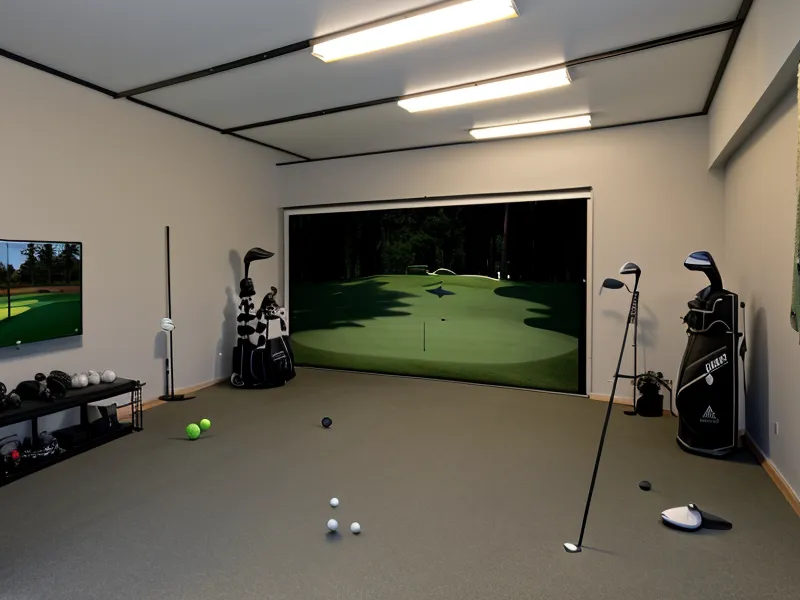
How Much Clearance Does a Projector Actually Need Above a Golfer?
How much room do you actually need between the top of your swing and the bottom of a projector lens? That's the exact question Shona texted me last month. She's my wife's coworker, and her husband won't touch the golf Discord, so she ends up asking his gear questions for him. She hadn't measured her own garage yet. I didn't give her a number right away, because the honest answer depends on three things nobody wants to measure before they buy anything: your actual ceiling height, your swing plane, and how much throw distance you're willing to give up. This whole DIY simulator build lives or dies on inches. Projector mounting in a low ceiling garage is where most of those inches vanish first.
Here's the rule of thumb I give people now, Shona included. A projector with a throw ratio at or below 0.6 can fill a full 100-inch impact screen from a ceiling mount, positioned directly above or just behind the golfer, in a 9-foot garage while keeping the unit and mount clear of the backswing arc. That's the benchmark figure. My own garage tops out at 96 inches, eight feet, not nine, so I never got that extra twelve inches of breathing room. Every one of those missing inches showed up somewhere else in the build. The clearance that keeps your driver from clipping a mount is the same geometry problem that decides whether your image fills the screen. That's the math laid out in the real garage golf simulator space requirements for a full swing if you haven't measured your own bay yet.
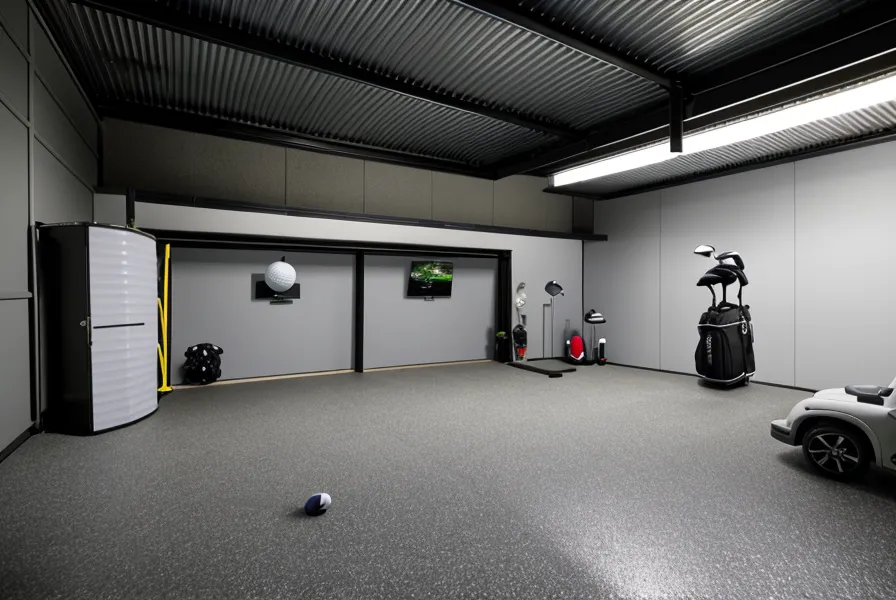
The Six-Inch Mount That Went Back in Its Box
Before I understood any of this, I tried to save money on the mount. It cost me a Saturday afternoon instead. I bought a generic 6-inch drop mount because the reviews called it sturdy. It was sturdy, alright, but sturdy wasn't the problem. Sturdy is exactly what you don't want hanging six inches into your takeaway. The first time I stepped into my hitting stance under it, I could see the housing in my peripheral vision before I'd even started my backswing. It felt like trying to swing a club under a low kitchen cabinet. Down it came, back into its box, off to the UPS counter. If you're shopping for a mount and it drops more than two inches, you'd better have a 10-foot ceiling. In an 8-foot garage, you're just buying a target for a seven-hundred-dollar lens.
What replaced it was a low-profile mount with a depth of about an inch and a quarter. It ran me somewhere around fifty bucks, which wasn't nothing, but it was the best fifty dollars in the whole build. Picture a flat-screen TV bracketed flush against the wall versus one on a swing-arm that juts out a foot. Same TV, completely different amount of space you have to work around. The flush mount bought back nearly five inches over the cheap one, and I needed every bit of it. My hitting mat adds its own height under my feet. You're losing ceiling from the floor up and the roof down at the same time.
Does the Mat Under Your Feet Change What the Launch Monitor Sees?
Short answer: yes, more than most people expect. I swapped mats one week and watched my SkyTrak clubhead speed reading with the driver climb from 91 to 94. Nothing about my swing changed. Nothing about the projector or the mount changed either. Only the surface under my shoes did. That's the kind of number that sends you down a rabbit hole questioning your setup, when the real answer is sitting under your feet. Before you chase a projector or launch monitor problem, rule out the mat first. The best golf hitting mats for garage simulators to save your joints aren't just about your knees holding up over a long winter of range sessions; the surface changes what the sensor reads off your feet and your strike.
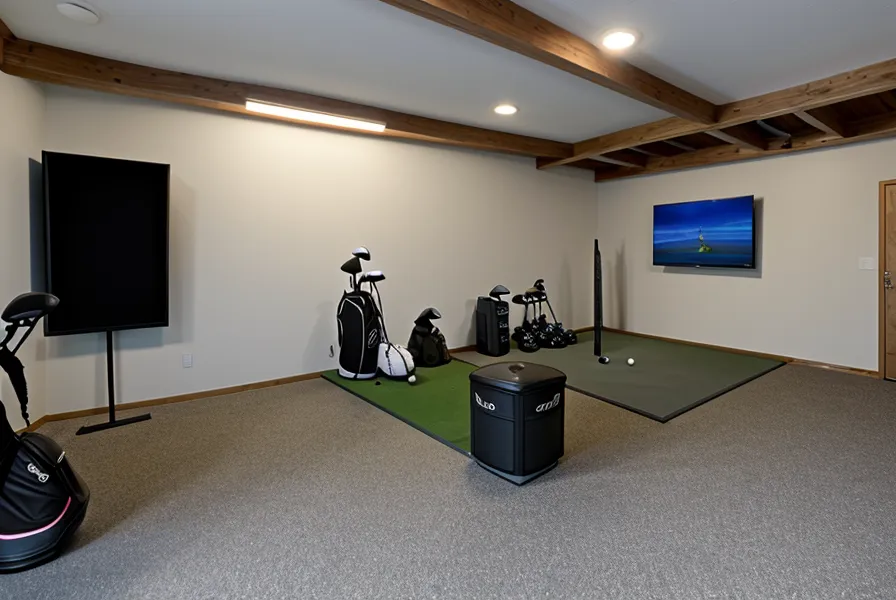
Center-Mount vs. Side-Mount in a Low-Ceiling Garage
Most setup guides assume you have the height to center the projector over your hitting line. In an 8-foot garage, with a garage door track eating into your headroom, centering is how you end up with a very expensive dent. I moved mine two feet to the right of the hitting line instead. That puts it entirely out of a right-handed swing path. A full mis-hit or a stumble still has zero chance of finding the hardware.
Making a side-mount work means a short-throw lens is mandatory. You also need horizontal keystone effect correction, to angle the image back to center from an off-axis position. A long-throw unit forces you so far back you'll shadow the screen every time you address the ball. Heavy keystone correction adds a sliver of input lag that an IT guy notices, though a 14-handicapper playing a casual round never will. None of that geometry matters much if you don't trust the ball-flight numbers your launch monitor is reporting in the first place. Clubhead speed, ball speed, launch angle, spin rate: the core metrics it tracks don't shift because of where the projector sits. Only your feet and your grip do that.
Why the Fan Works Harder Once the Mount Sits Flush
Tucking a projector up tight against drywall does something nobody mentions in the buying guides. It traps the unit in the warmest air in the room. Warm air rises and pools right where you just bolted a heat-generating box. I've noticed the fan noise creep up once the garage climbs past the high 60s; you'll hear it working before you consciously register the room got warmer. It's not a dealbreaker. It's just something to expect once you've solved the clearance problem and moved on to the next one.
What Else Shifts When the Projector Moves
Moving the projector lower and off to the side has ripple effects nobody warns you about going in. Mounting close to the hitting zone shrinks your throw distance and image size. That pushes brightness back up to keep the picture from washing out under your garage lighting, which is a separate problem from ceiling clearance, but the same low mount creates it. The screen itself has its own durability considerations, entirely apart from the projector. Stray-shot containment, for the ball that doesn't go where you meant it to, is a different plan altogether, not something a projector mount solves for you. Whether you build a full enclosure or run an open bay is its own decision, but a flush mount works fine with either. A projector mount also assumes a reasonably level slab underneath your mat. Concrete garage floors are rarely as flat as they look, until you're the one shimming a mat corner at 9pm. I've picked up a few golf sim accessories for a better garage practice experience since then, but the mount is still the one piece of hardware in the room that can actually cost you real money if you get the geometry wrong.
My next-door neighbor Patty walked over one evening after she spotted the projector glow through the side window. Before she asked a single thing about the unit itself, she wanted to know how many outlets I had free and how much floor space the whole rig actually ate up. For anyone sketching this out on paper before buying anything, that's honestly the more useful starting question. I've since learned to lead with it too.
Is a Low Ceiling a Dealbreaker?
No, but it's the reason I didn't just pay for range time and call it done. I'd already tried a commercial indoor range on the other side of town, forty minutes each way, and made it out there exactly twice before I canceled. The drive killed it before the golf ever had a chance to. An 8-foot garage twenty feet from my kitchen was always going to win that fight, once I figured out where to put the hardware.
Solve the clearance geometry first: throw ratio, mount depth, and whether you're centering or going off to the side. Do that, and a low ceiling stops being the obstacle; it just becomes one more measurement on the list. Get that part wrong, and you're replacing a mount, or worse a lens, on a build that's already crept close to five thousand dollars.